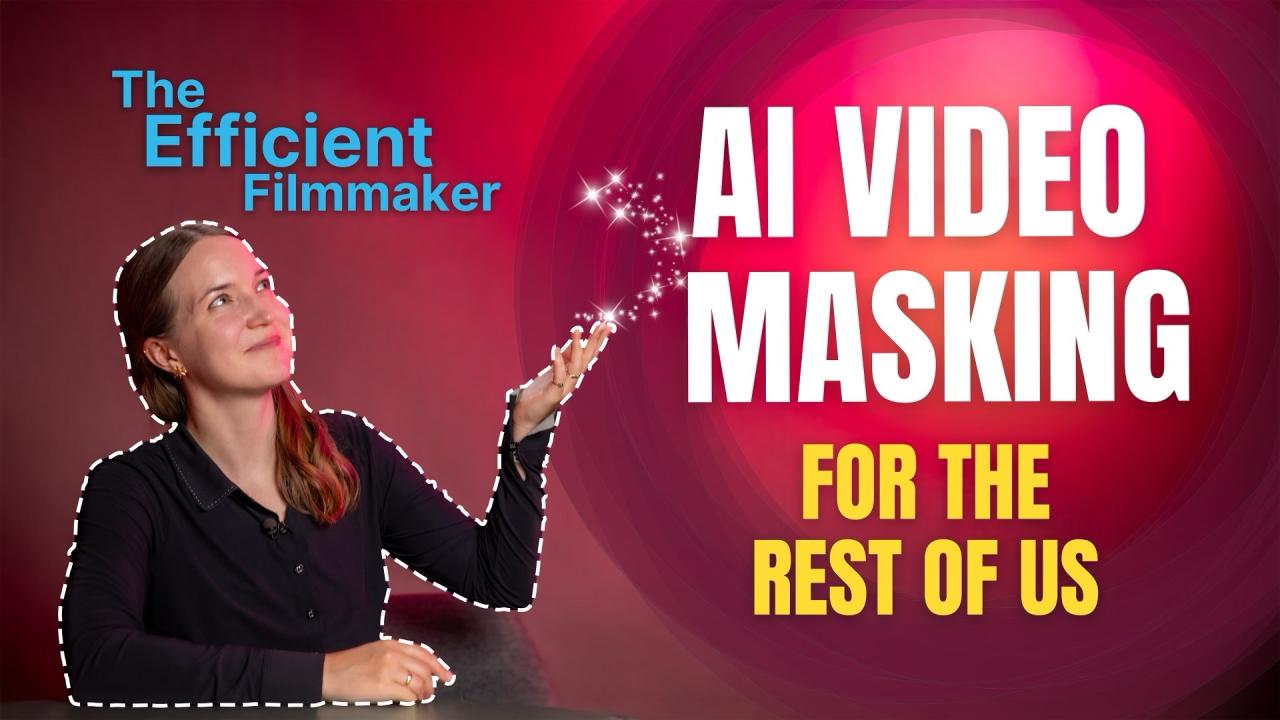

Description
Transcribing dialogue, creating subtitles, and translating them into multiple languages used to be time-consuming, repetitive tasks. Not anymore. With the help of AI, you can now streamline this entire process and focus more on storytelling.
In this course, you’ll learn everything you need to know about creating subtitles using modern, AI-powered workflows. Filmmaker and AI-enthusiast Mascha Deikova walks you through captioning techniques across major NLEs, shows you how to leverage text-based editing for faster, smoother post-production (especially for interviews and documentaries), and shares her go-to tips, tricks, and shortcuts for translating and formatting subtitles efficiently.
“Subtitles Mastery” is the first part of MZed’s new course series, “The Efficient Filmmaker”, where we explore evolving tools that boost productivity and streamline workflows. Spend less time on busywork—and more time being creative.
Subtitles available: English
Curriculum 9 modules • 0h 55m
"AI" can be a controversial term in our industry—and we get it. But rejecting it altogether means missing out on a world of powerful, time-saving tools. In this module, we explain the purpose of this course, why we created it, and how these modern workflows can support your day-to-day work.
Subtitles: English
Here we dive deep into the automated features already built into Adobe Premiere Pro. You’ll learn how to generate a full transcript of your video in seconds—and then turn that transcript into clean, properly timed subtitles right on your timeline.
Subtitles: English
This module offers a step-by-step guide to generating captions in DaVinci Resolve. We’ll also explore Resolve’s AI-powered transcription tool and get a first glimpse at what text-based editing looks like in practice.
Subtitles: English
In this lesson, we focus on creating subtitles in Avid Media Composer. We’ll use ScriptSync AI to generate a clean, structured transcript of an interview, and then use the SubCap tool to build subtitles. You'll also learn quick workarounds to split long text blocks into properly formatted, single-line subtitles.
Subtitles: English
Familiar with the classic “paper cut” method? Now it’s gone digital! In this module, we show you how to work with lines of transcript text to instantly create a rough cut on your timeline. We’ll also share the most efficient workflow for doing this in Adobe Premiere Pro.
Subtitles: English
Don’t use any of the editing apps we’ve covered? No problem. There are plenty of other ways to create AI-powered captions—fast and affordably. In this module, we introduce you to a handful of third-party tools that get the job done.
Subtitles: English
With the content of our subtitles ready, it’s time to talk layout and design. In this module, you’ll learn basic formatting principles and how to create reusable style presets to keep your subtitle designs consistent and time-efficient across projects.
Subtitles: English
Sometimes, subtitles in one language just aren’t enough. You need them in ten! This module offers a quick and effective workflow for translating captions with the help of LLMs (large language models), and shows how to properly import them back into your editing software—using DaVinci Resolve as an example.
Subtitles: English
In the final module, we explain the difference between subtitles and captions, and why both matter. You’ll also get a clear overview of the various subtitle file formats and learn when and where to use each one.
Subtitles: English